The Galaxy S26 Ultra asks you to carry a lot of phone. In return, it offers some unusually thoughtful tools. The interesting question is which ones you would actually use: a private message on a crowded train, a quick sketch for a colleague, or a closer view from the sidelines.
In depth
Samsung Galaxy S26 Ultra review
Published · Updated
Best forPeople who want a large Android phone for photographs, handwritten notes and getting things done away from a laptop.
At a glance
- Screen size
- 6.9 inches
- Refresh rate
- 1–120 Hz
- Processor
- Snapdragon 8 Elite Gen 5 for Galaxy
- Storage / RAM
- 256GB / 512GB12GB RAM1TB16GB RAM
- Rear cameras
- 200 MP main50 MP ultrawide10 MP 3× telephoto50 MP 5× telephoto
- Battery capacity
- 5,000 mAh (typical)
Pros
- Privacy controls for individual apps and notifications.
- Dedicated 3× and 5× telephoto cameras.
- Built-in S Pen for notes and annotations.
- Long software-support commitment.
Cons
- Large, 214 g body.
- Privacy display brings viewing-angle compromises. 1
- Magnetic accessories need a suitable case.
Display
- 6.9-inch AMOLED
- 3120 × 1440
- 1–120 Hz
- Privacy Display
A 6.9-inch screen gives maps, documents and photos room to breathe. The more distinctive benefit is control over who can see them. Privacy Display limits visibility from side angles, and you can set it to activate for selected apps or just notification pop-ups. You can leave a recipe visible to everyone at the counter while making personal messages harder to read.
I like that selectivity, but the screen deserves an in-person look. Android Central found narrower viewing angles even with privacy mode off. 1 Samsung also warns that maximum protection can dim the image and alter colors. Treat it as extra discretion, not a guarantee against someone looking over your shoulder.
Cameras
- 200 MP main
- 50 MP ultrawide
- 10 MP 3× telephoto
- 50 MP 5× telephoto
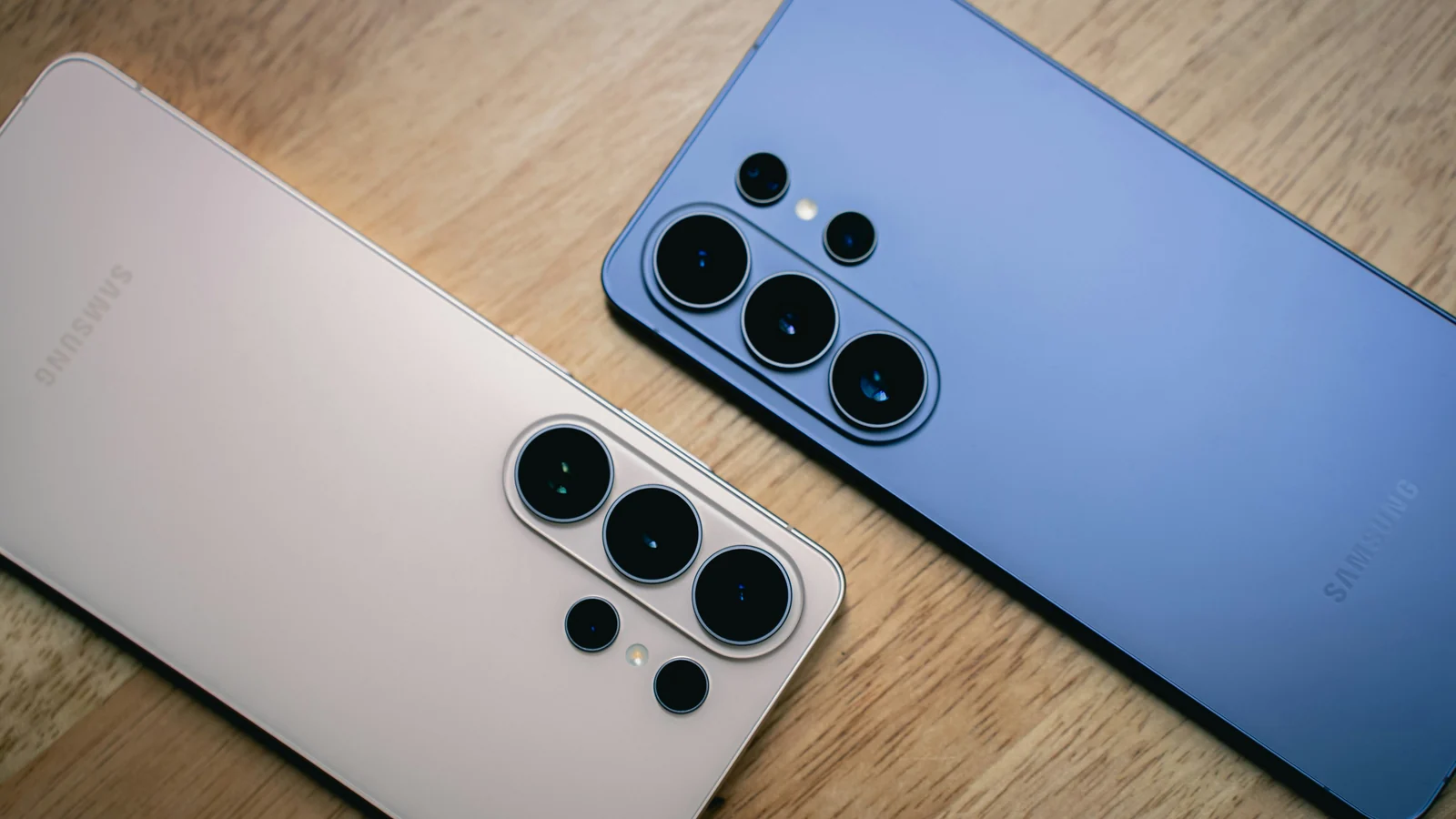
The two telephoto cameras are more interesting than the headline megapixel count. A 3× view lets you frame a person without standing right beside them; 5× reaches farther when moving closer is impractical. The ultrawide gives you the opposite option for a group in a cramped room. These are useful framing choices, rather than four versions of the same shot.
Image processing still matters. In its comparisons, Tom’s Guide found improved low-light detail over the S25 Ultra, but also occasional oversaturated colors that obscured detail. 2 That makes the camera system appealing for its range, without earning an automatic recommendation for anyone who wants restrained, natural color.
Performance
- Snapdragon 8 Elite Gen 5 for Galaxy
- 256GB storage — 12GB RAM
- 512GB storage — 12GB RAM
- 1TB storage — 16GB RAM
Samsung’s split-screen view lets you keep two supported apps visible together: a booking confirmation and a calendar, for example. That gives the large screen a useful job beyond watching video. Check how much storage you use now; downloaded games and a growing video library may make 512GB or 1TB worthwhile. The 1TB version also has 16GB of RAM, compared with 12GB in the 256GB and 512GB versions.
Battery & Charging
- 5,000 mAh typical
- Up to 60 W wired
- Up to 25 W wireless
Tom’s Guide measured 16 hours 10 minutes of web browsing over 5G at 150 nits, and 77% charge after 30 minutes using 60 W charging. 2 Those are encouraging results for busy days and a quick top-up before leaving home. They are not a promise of equivalent camera, gaming or navigation time.
Budget for a compatible charger; the wall adapter is sold separately. Wireless charging is convenient for a desk or bedside table, but magnetic alignment needs a suitable case because the phone has no built-in magnets. That is an extra accessory to plan for if you already own magnetic mounts or charging stands.
Design & Durability
- 214 g
- 78.1 mm wide
- IP68
- Integrated S Pen
The width matters as much as the weight. Try reaching across the screen with one hand, then consider the extra bulk of a case. IP68 provides useful protection against dust and accidental water exposure; Samsung’s immersion rating is based on fresh-water laboratory conditions, and resistance can decline with wear. This is still a phone to keep out of the swimming pool.
Connectivity
- 5G sub-6 + mmWave
- Wi-Fi 7
- Bluetooth 6
- Physical SIM + eSIM
Physical SIM and eSIM support leave room for a second number or a travel plan, subject to carrier activation. DeX is another useful option: connect to a compatible monitor with the right cable or adapter and use Android apps in a desktop-style workspace. It could cover an email or document session away from your usual computer; it will not run your Windows software.
Software & Features
- S Pen notes + Screen Write
- Seven OS upgrades
- Seven years of security updates from launch
The pen has a pleasingly simple job. Pull it out with the screen off to jot down a measurement, or use Screen Write to mark the part of a screenshot you want someone to change. It lives in the phone, so there is no separate stylus to remember. There is no Bluetooth remote shutter, though, if you used that feature on an older Ultra.
Samsung’s support commitment makes keeping the phone for several years more realistic. The seven-year security period starts at the initial global launch, not your purchase date. I would put more weight on that and the pen’s everyday usefulness than on how many AI features appear in a launch presentation.
Alternatives
The Galaxy S26+ is worth considering if you want a large Samsung screen without quite so much phone. Its 6.7-inch display and 190 g weight reduce the bulk, while giving up the Ultra’s pen, Privacy Display and dedicated 5× camera. If those extras would rarely get used, the Plus is the more sensible fit.
For fewer charging stops, consider the OnePlus 15. Its 7,300 mAh battery is backed by a strong comparative result: 25 hours 13 minutes in Tom’s Guide’s same browsing test, versus the Samsung’s 16:10. 2 That is a substantial endurance advantage under those conditions.
Verdict
The S26 Ultra makes sense when you have a use for its particular tools. It can be a pocket notebook, a flexible camera and a larger workspace, with support intended to last. Its size and display trade-offs are worth accepting for those benefits; if they do not matter to you, a less elaborate phone will be easier to justify.
About this review
Research-based review: The Fasit has not physically tested this phone. This review of the US model combines Samsung documentation with independent testing.
Sources & Research
2 references
Independent sources cited in this article.
- Nicholas Sutrich / Android CentralGalaxy S26 Ultra display review (opens in a new tab)https://www.androidcentral.com/phones/samsung-galaxy/galaxy-s26-ultra-display-review
Original display assessment, including viewing-angle limitations with Privacy Display disabled. Published March 2026.
- Mark Spoonauer / Tom’s GuideSamsung Galaxy S26 Ultra review (opens in a new tab)https://www.tomsguide.com/phones/samsung-phones/samsung-galaxy-s26-ultra-review
Original camera comparisons; 5G browsing at 150 nits, charging measurement and OnePlus 15 comparison. Published March 2026; not a current-firmware retest.